Device registration
Identifying a SoloID Authenticator Device
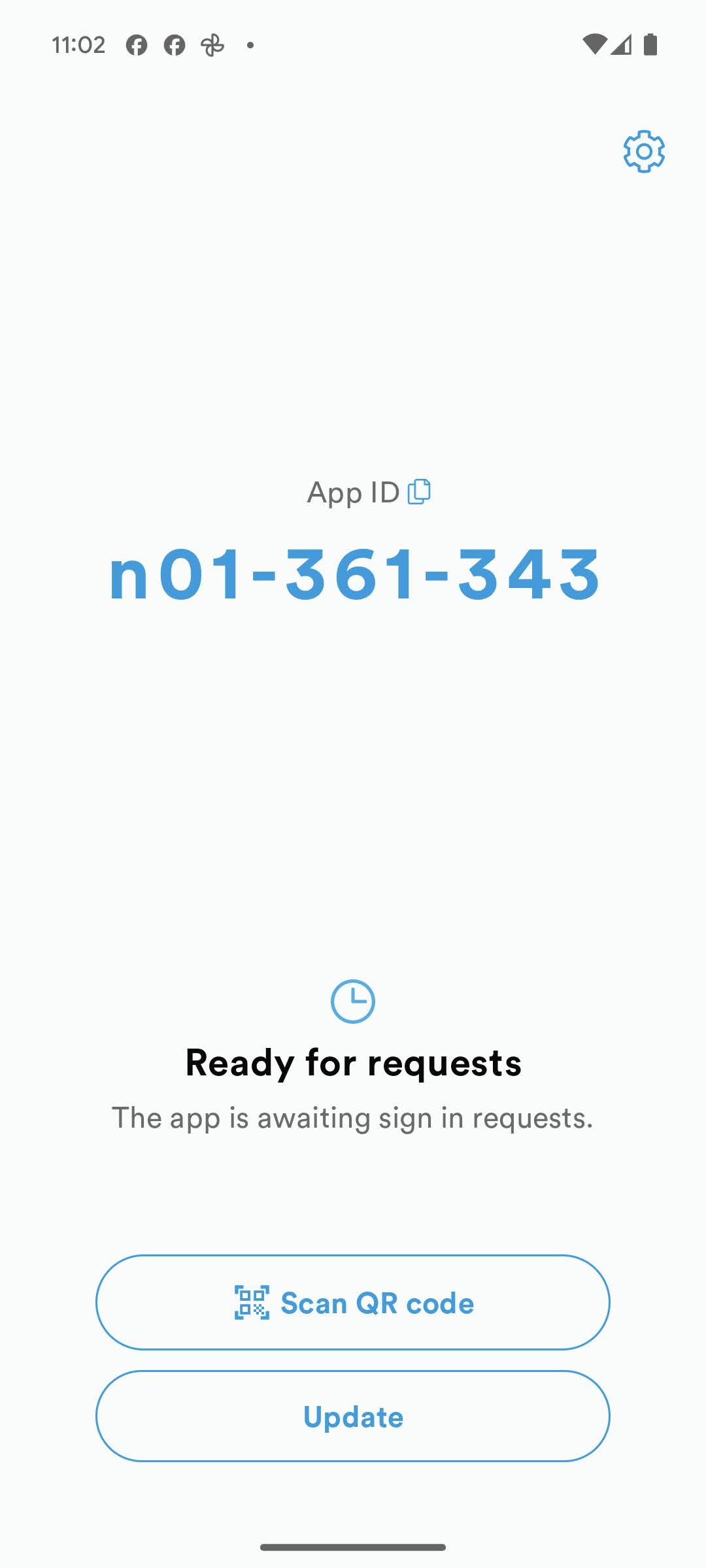
A SoloID Authenticator device is uniquely identified by its SoloID Authenticator AppID, which is provided upon successful authentication. The AppID remains constant for a specific device unless the SoloID Authenticator app or device is reset. In such cases, the old authentication keys stored securely on the device become unusable, and new keys are created for a new AppID.
The end-user can view their AppID at the top section of the main SoloID Authenticator screen, as shown below:
Registering an AppID
To initiate a SoloID Authenticator flow, a service must identify one or more SoloID Authenticator devices authorized to approve the flow or receive a secure OTP. Each device is uniquely identified by its AppID, allowing a service to specify one or more AppIDs when starting a flow.
It is the responsibility of the integrating service to create an enrollment process for one or more SoloID Authenticators for their users.
Initiating an Open SoloID Authenticator Flow
A common approach involves setting up a sufficiently secure session with the end-user and then initiating a new “open” SoloID Authenticator flow. This can be done using the QR code or app switch functionality to have the end-user approve the SoloID flow and register the received AppID.
An “open” SoloID Authenticator flow is initiated by omitting the specification of any particular AppIDs and requires channel binding. If the end-user is unable to scan QR codes or use the app switch functionality, the service can request the user to enter their own AppID as seen at the top of the app. The service can then initiate a new flow based on the AppID submitted by the end-user.
Utilizing eID bindings
SoloID Authenticator supports the binding of specific national eID schemes to a SoloID Authenticator app, such as the danish MitID. In such cases, the end-user attaches an authentication with the eID to their device(s) and a global identifier for this eID is registered to each of those devices.
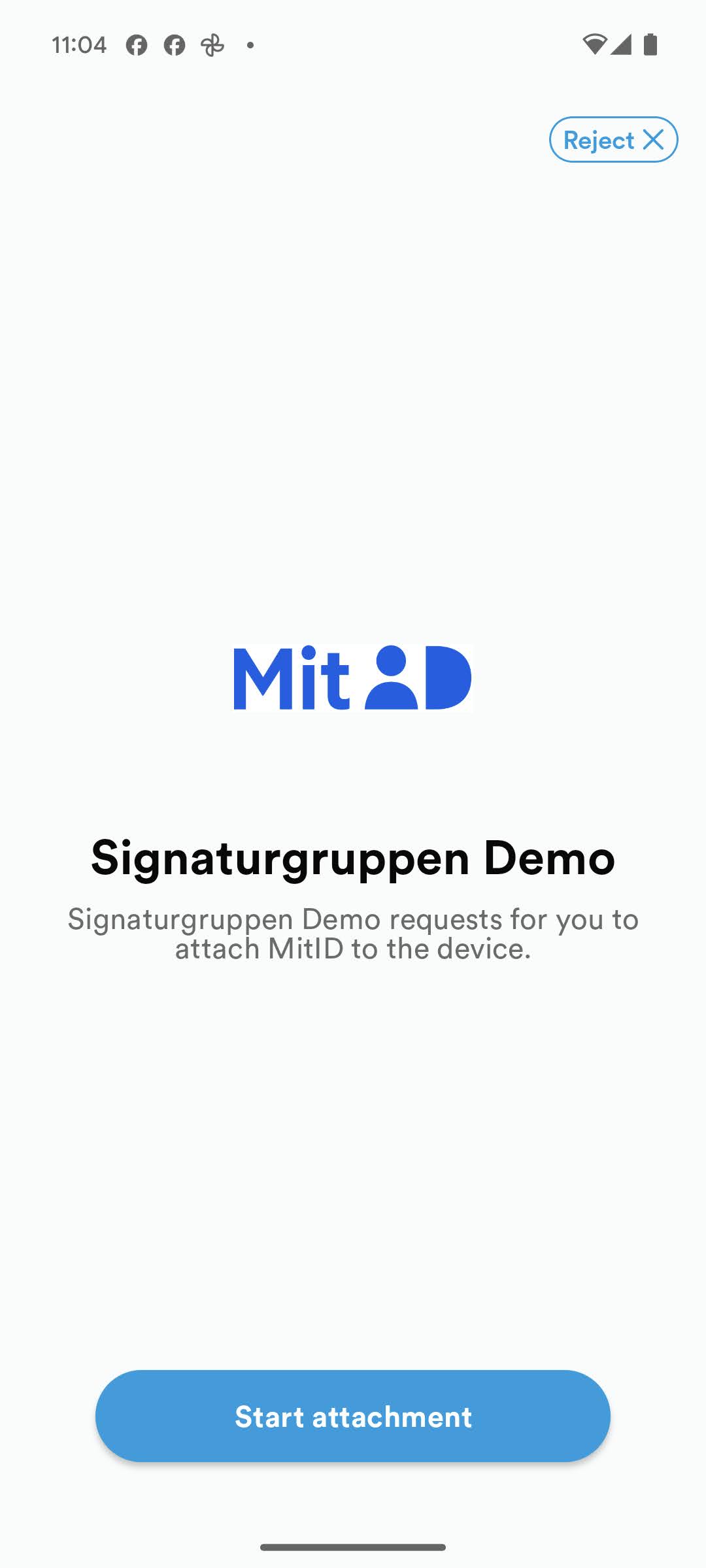
This enables integrating services to utilize this, by requesting the identifier of a specific eID when starting an approve flow, in which case the eID information will be available for the service when the end-user approves the flow.
eID information user consent
End-users will always be prompted with an implicit consent screen when the initiating service requests such information, such that the end-user consents to the handout of this information to the requesting service.
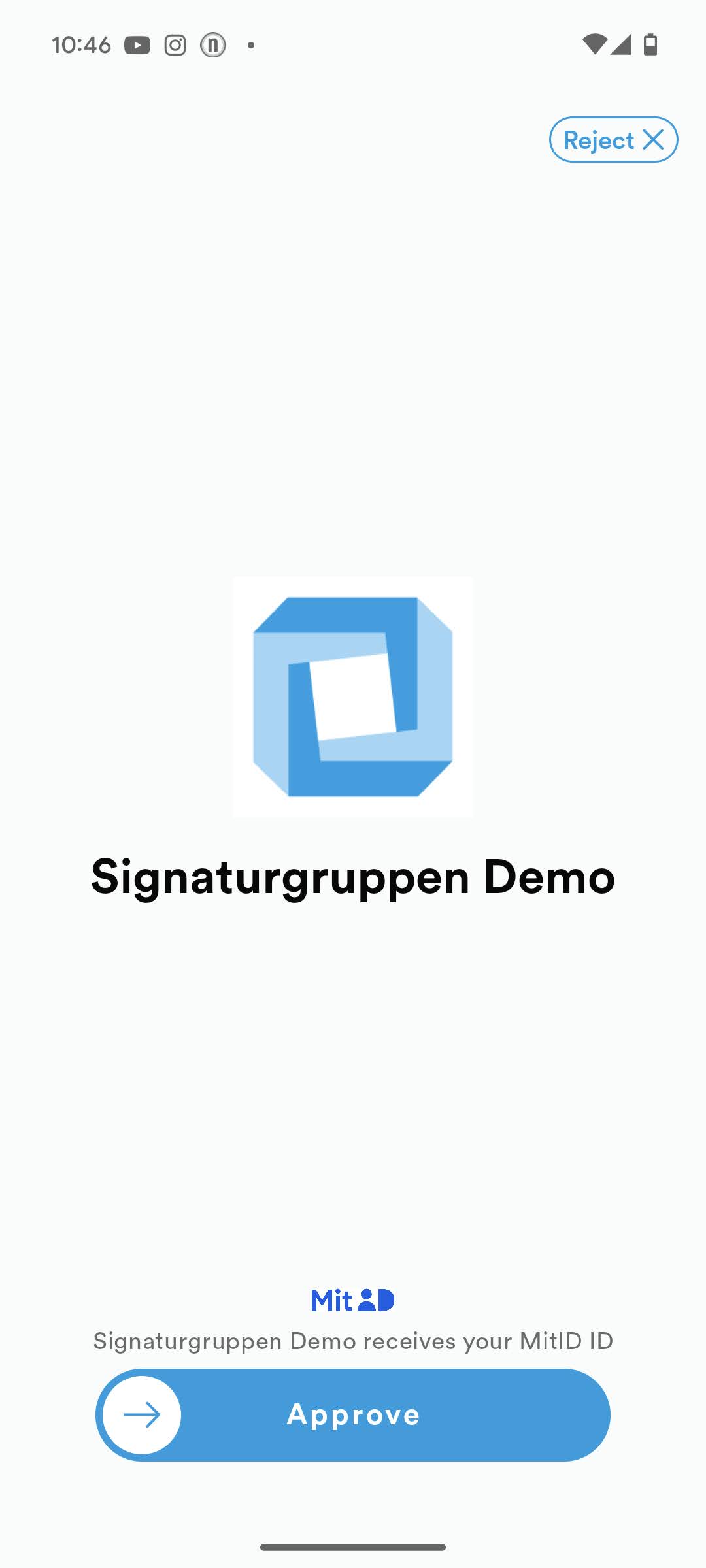
This allows integrating services to register or utilize already previously registered eID identifiers for supported eID schemes when setting up SoloID Authenticator flows.
As an example, an integrating service might always request MitID information and always just specify a single eID (ex. MitID+UUID) when starting a flow and then expects their users to have attached MitID to their SoloID Authenticator devices.